A website is essential for businesses, bloggers, and anybody trying to build an online presence in the digital era. However, you need a dependable hosting solution before you can make your website public. Web shared hosting is one popular option, especially for newcomers. We will go into the world of online shared hosting in this extensive tutorial, examining what it is, how it functions, and why it might be the best option for you.
Introduction to Web Hosting
What is Web Hosting?
To keep the files and data for your website, you might think of web hosting as renting space online. It’s a service offered by hosting firms that enables users all over the world to view your website. Your website wouldn’t be accessible to the internet community without web hosting.
Why Do You Need Web Hosting?
Because it guarantees that visitors may access your website around-the-clock, web hosting is crucial. Additionally, it offers the tools required to store the files, databases, and other components of your website. Web hosting is the cornerstone of your online presence, whether you’re running a personal blog or an online store.
Understanding Shared Hosting
What is Shared Hosting?
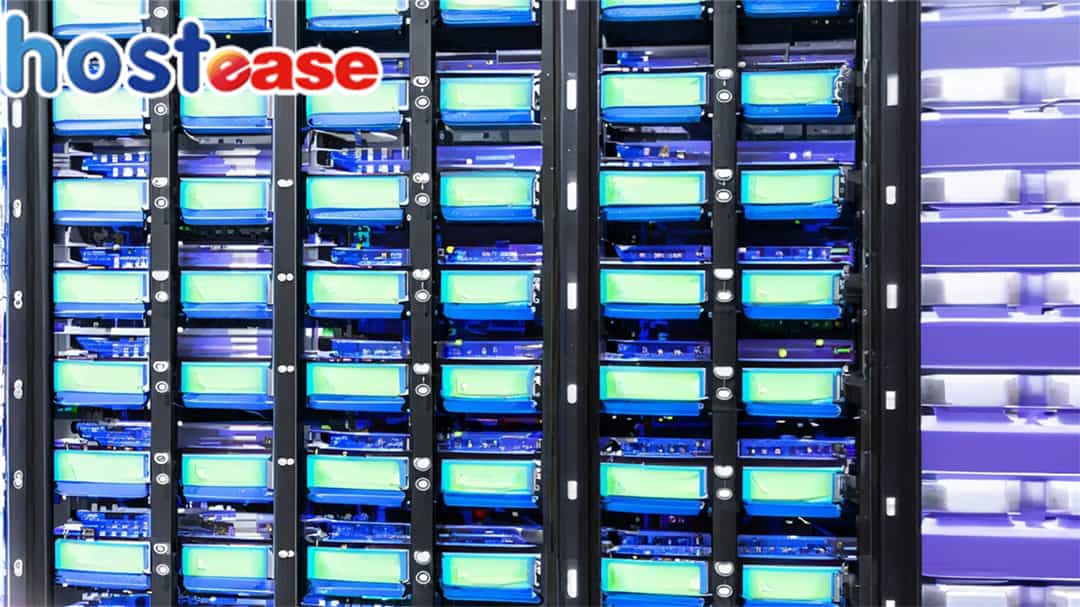
A type of web hosting called shared hosting allows several websites to share a single server and its resources. Imagine yourself as a resident in a big apartment building. Even though each tenant has a separate location, they all utilize the same infrastructure.
How Does Shared Hosting Work?
Multiple websites are hosted on a same server under shared hosting. The server’s resources, such as its CPU, RAM, and storage, are shared by these websites. Beginners and small organizations wishing to establish an internet presence without breaking the bank will find this cost-effective hosting solution to be excellent.
Advantages of Shared Hosting
Shared hosting offers several advantages that make it an attractive choice for beginners:
Cost-Effectiveness
Shared hosting is budget-friendly, making it perfect for those with limited resources. It’s an affordable way to get your website online without significant upfront costs.
Easy to Use
Most shared hosting providers offer user-friendly control panels, making it easy to manage your website, even if you’re not tech-savvy.
Maintenance and Support
With shared hosting, server maintenance and support are handled by the hosting provider. This means you can focus on your website’s content and growth.
Drawbacks of Shared Hosting
While shared hosting has its merits, it also has some drawbacks:
Limited Resources
Since multiple websites share the same server, there’s a finite amount of resources available. If one website experiences a traffic surge, it can affect the performance of others on the server.
Performance Concerns
Shared hosting may not be suitable for high-traffic or resource-intensive websites. If your site requires substantial resources, you may experience slower loading times.
Choosing the Right Shared Hosting Provider
Factors to Consider
When selecting a shared hosting provider, consider factors such as uptime guarantees, customer support, and scalability options.
Popular Shared Hosting Providers
Some well-known shared hosting providers include Bluehost, HostGator, and SiteGround. Research and choose the one that best suits your needs.
Setting Up Your Website with Shared Hosting
Domain Registration
Before launching your website, you’ll need to register a domain name. Many hosting providers offer domain registration services as well.
Uploading Your Website
Once you have a domain name, you can upload your website’s files to the shared hosting server. This is typically done using an FTP (File Transfer Protocol) client.
Managing Your Shared Hosting Account
Control Panel Overview
Most shared hosting accounts come with a control panel, such as cPanel or Plesk, which allows you to manage various aspects of your hosting account.
Common Tasks
Common tasks in the control panel include setting up email accounts, managing databases, and installing content management systems (CMS) like WordPress.
Security Measures
Protecting Your Website
Security is paramount in shared hosting. Implement security measures such as strong passwords, regular software updates, and security plugins.
Regular Backups
Regularly back up your website to safeguard your data. Many hosting providers offer automated backup solutions.
Scalability and Upgrading Options
When to Consider an Upgrade
If your website outgrows shared hosting due to increased traffic or resource demands, consider upgrading to a more robust hosting plan.
Types of Hosting Plans
Explore other hosting options, such as Virtual Private Servers (VPS) or Dedicated Servers, for enhanced performance and resources.
Tips for Optimizing Your Shared Hosting Experience
Caching Techniques
Use caching plugins and techniques to improve your website’s loading speed and overall performance.
Content Delivery Networks (CDNs)
Consider using CDNs to distribute your website’s content across multiple servers worldwide, reducing load times for users.
Monitoring Your Website
Uptime Monitoring
Monitor your website’s uptime to ensure it’s accessible to users at all times. Many hosting providers offer uptime guarantees.
Performance Metrics
Regularly analyze performance metrics to identify and address any issues that may affect user experience.
Customer Support
How to Get Help When You Need It
Know how to contact customer support for assistance with technical issues or questions about your hosting account.
Troubleshooting Tips
Learn basic troubleshooting techniques to resolve common website and server-related issues.
Common Myths about Shared Hosting
Debunking Misconceptions
Address common misconceptions about shared hosting, such as security concerns and performance limitations.
Conclusion
To sum up, shared hosting is a fantastic option for newcomers and tiny websites. It is affordable, simple to use, and offers the tools you need to establish an online presence. But it’s crucial to balance the positives and negatives before selecting a trustworthy host that can match your unique requirements.